Can't Send Files Over 100MB on WeChat? 3 Steps to Compress File Size Online Without Losing Quality
WeChat has a file size limit (typically around 100MB). When you can’t send a file over 100MB on WeChat, you can use online compression to reduce its size while preserving quality as much as possible. This guide uses zip tool and ai tools approaches to teach you how in 3 steps.
1. Why Can’t You Send the File on WeChat?
WeChat imposes a size limit on single files (around 100MB). If exceeded, you’ll receive a notification that the file cannot be sent. PDFs, videos, and compressed archives are common culprits, especially high-resolution scanned PDFs or documents containing multimedia.
2. 3 Steps to Compress File Size (Minimizing Quality Loss)
Step 1: Choose a Tool
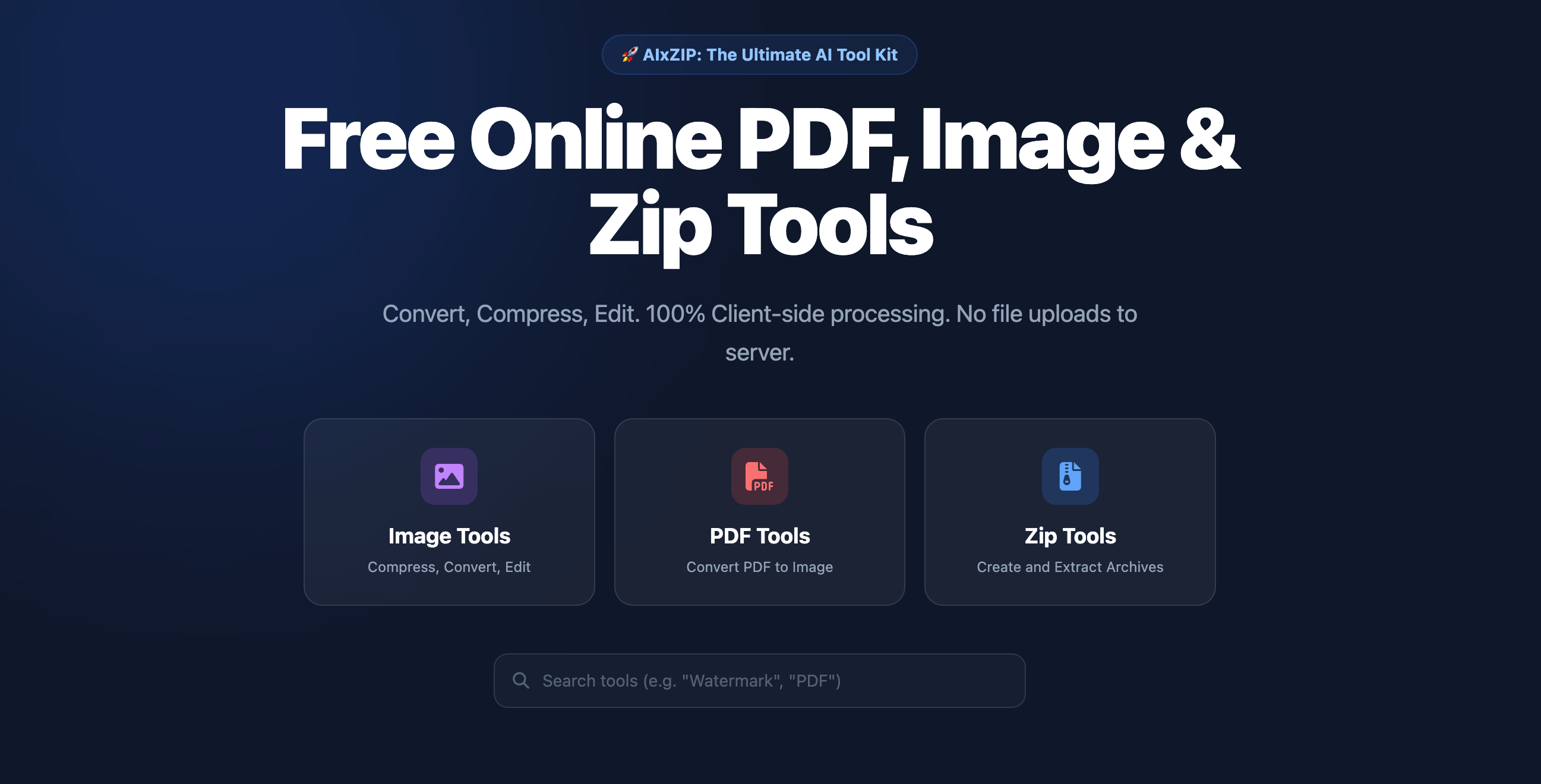
Use a zip tool or a PDF/file compression tool that supports “compression levels” (e.g., Swift PDF Converter, aixzip, or other ai tools platforms). These can be used online or via desktop clients.
Step 2: Select a Compression Level
- Light Compression: Slightly reduces file size with almost no loss in quality/clarity. Ideal for a first attempt.
- Medium/Deep Compression: Significantly reduces file size, but with some quality loss. Suitable when file size is a critical constraint. Start with light compression. If the file still exceeds 100MB, try medium or deep compression.
Step 3: Export and Send
Set the output directory, run the compression, and send the resulting file via WeChat.
3. Common Reasons for Oversized PDFs
- High-resolution scans without DPI reduction.
- Embedded videos, audio, or large images.
- Complex layouts or unoptimized multiple layers.
By following the 3 steps above with a suitable zip tool or ai tools, you can reduce file size while minimizing quality loss, solving the problem of not being able to send files over 100MB on WeChat. To try Ai Tools right away, click the button below.
Need to create a ZIP file?
Create ZIP File